¶ Inventory Import
Inventory Import is used to add inventory items to Freedom by bulk.
¶ File Formatting for Importing New Items:
- ItemDetail - creates the inventory item that will be used as reference for all other uploads. Must be uploaded first
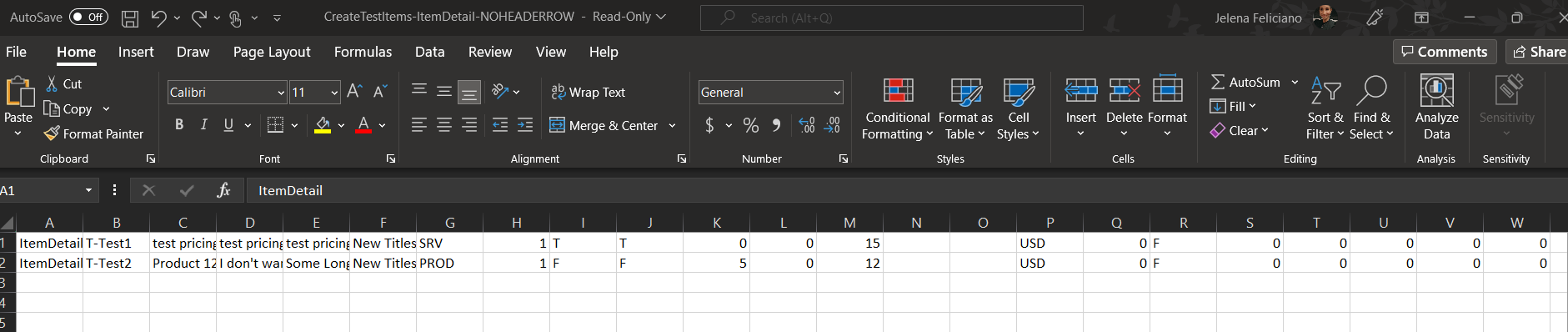
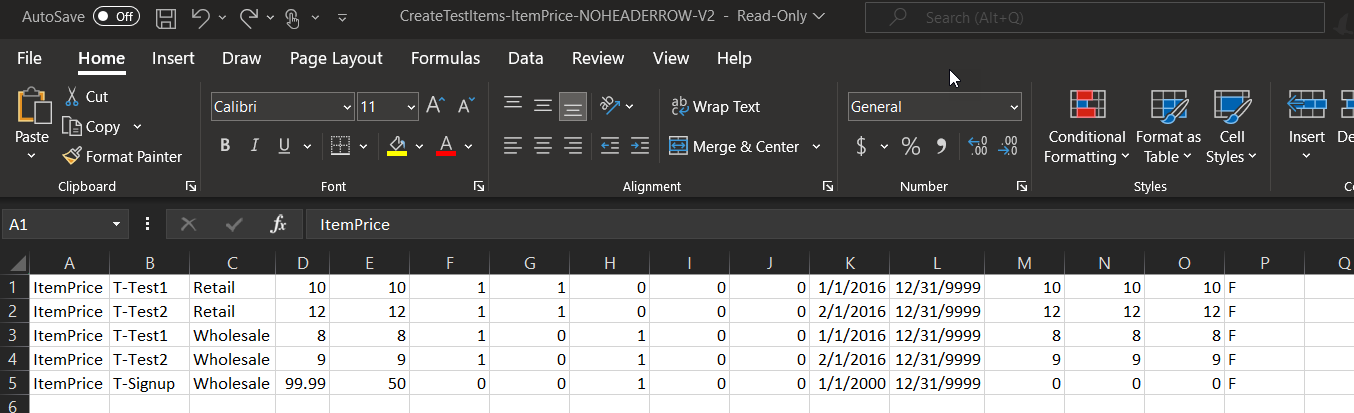
- ItemPrice - sets the price row for customers/customers. This file will also import the volume, set to view in Extranet/Shopping Cart/signup, set to order for AutoShip,
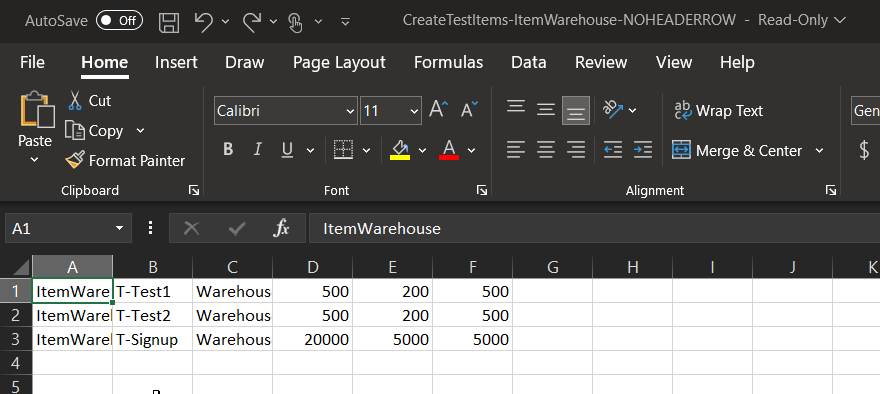
- ItemWarehouse
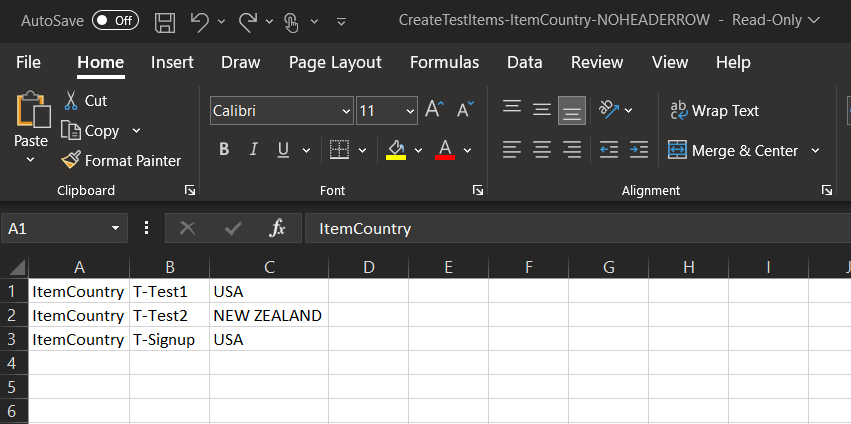
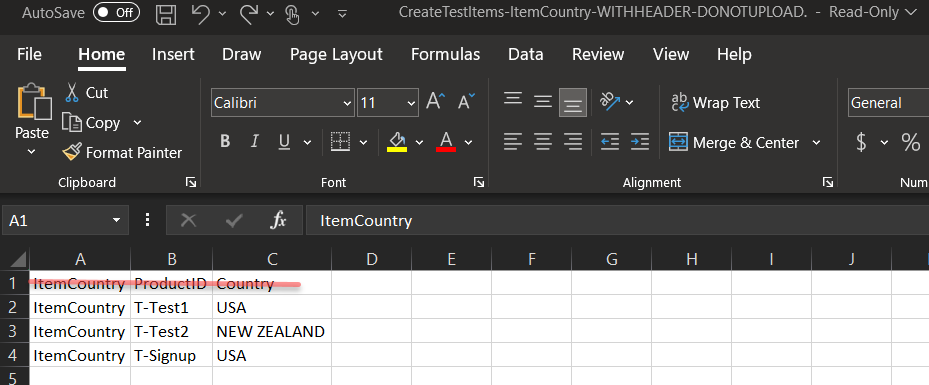
- ItemCountry
On the Inventory Import page, there's a clickable link to download samples of the file template for importing the items.
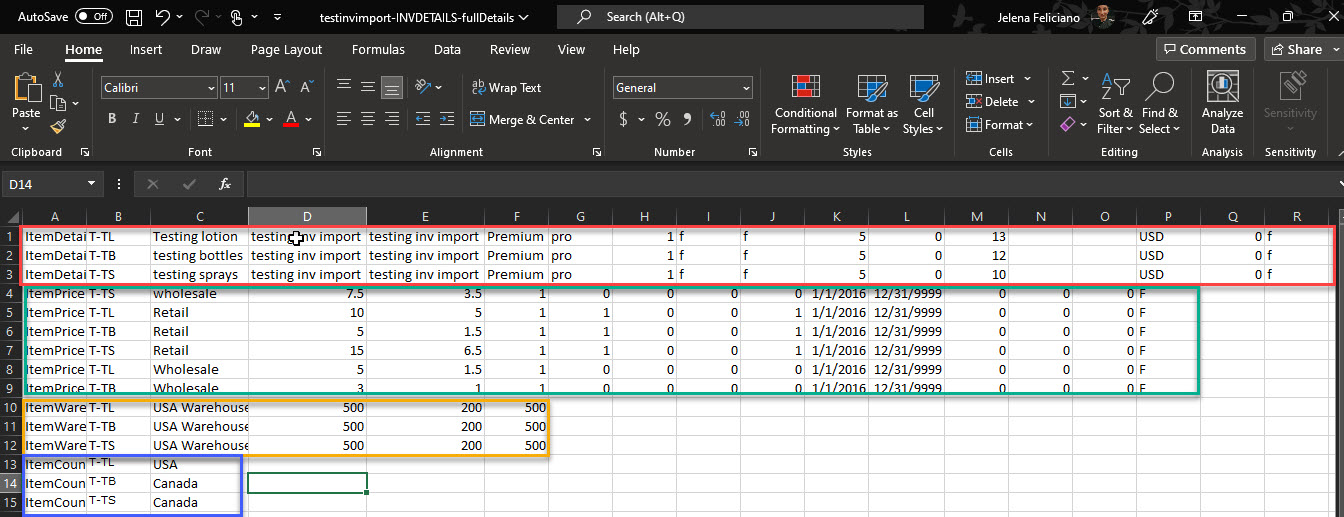
It's possible to perform all of the steps in one file but it's advised to separate the steps when importing for the first time in case mistakes are made. It will be easier to find when each step is taken one step at a time versus simultaneously all at once.
Example of importing inventory items all at once:
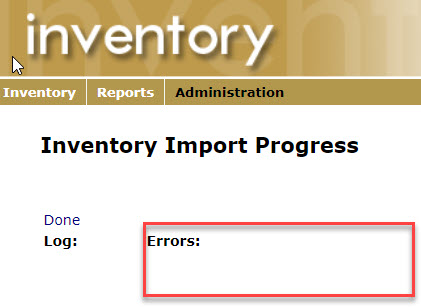
If any section of the imported file fails it will be logged under Errors on the Progress page.
¶ Optional Fields
Additional fields can be added to the import process.
- ItemMisc
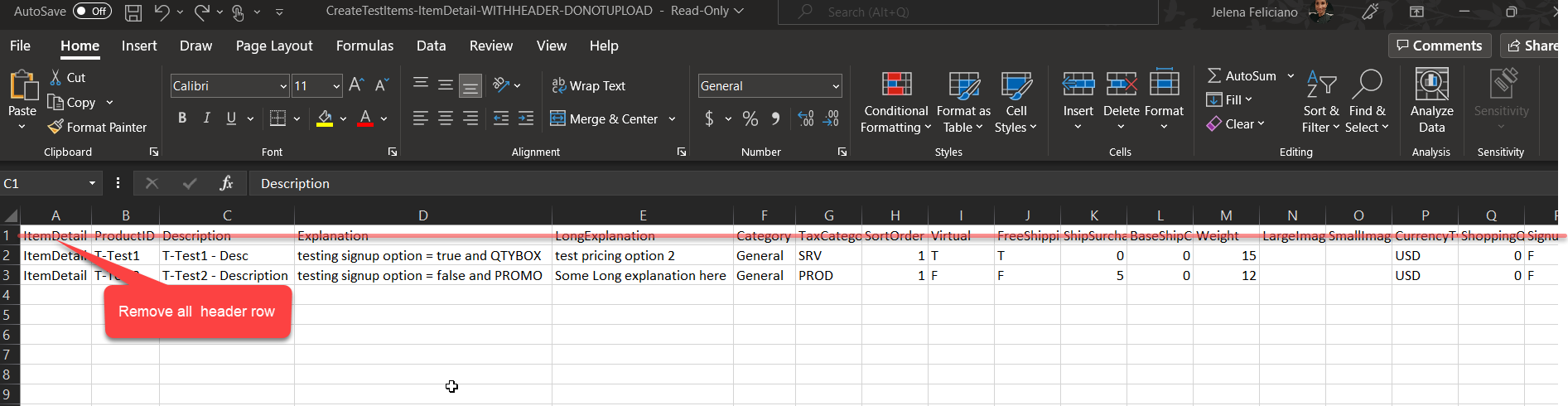
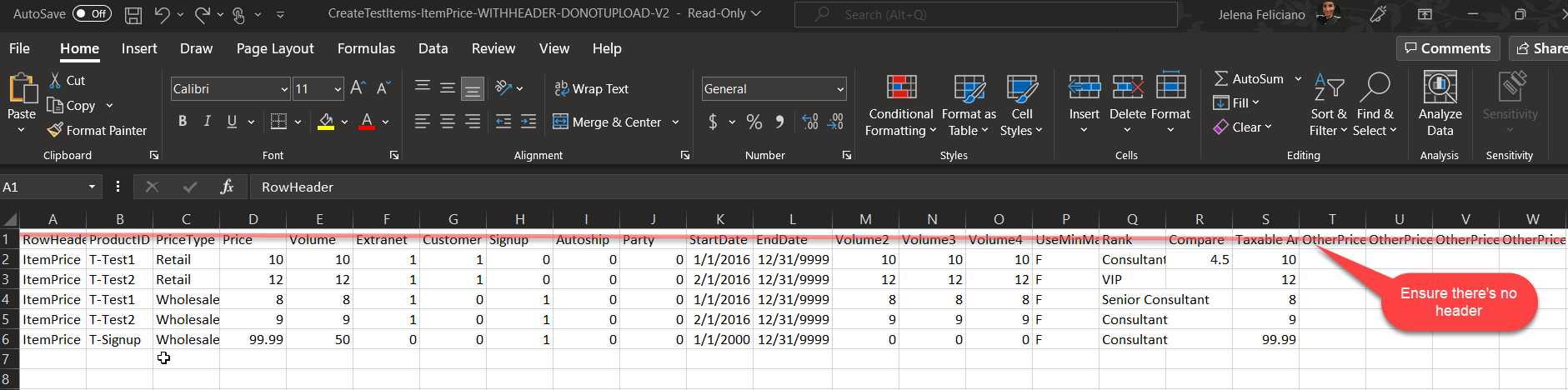
The Files being uploaded must NOT HAVE A HEADER ROW
¶ Example of What NOT to do:
- Inventory Detail file with header
- Item price file with header
- Item Country file with header
Once the file(s) is created Go to Departments > Inventory > Administration > Inventory Import
Warning: When importing pricing avoid using currency symbols. The system will ignore the data entered with unexpected characters.