¶ Overview
The Category Landing Page is an optional layout alternative of the entry point to your cart. When enabled, the user will enter your cart through a page divided by category sections.
¶ Setting to Enable
To configure the Landing Page Categories, you must enable the setting JSCART_LANDINGPAGE in Freedom Settings.
- All Products: When selected, this leaves the eCommerce landing page as ByDesign's standard
- Product Categories: This changes the eCommerce landing page to display with categories and header images for each of those categories. This selection does NOT display the left navigation of categories.
- Product Categories w/ Side Navigation: This changes the eCommerce landing page to display with categories and header images for each of those categoriesAND it will also still display the standard left side category navigation
¶ Category Configuration
To configure options, navigate to:
Inventory Dept > Administration > Inventory Categories
¶ Featured Image
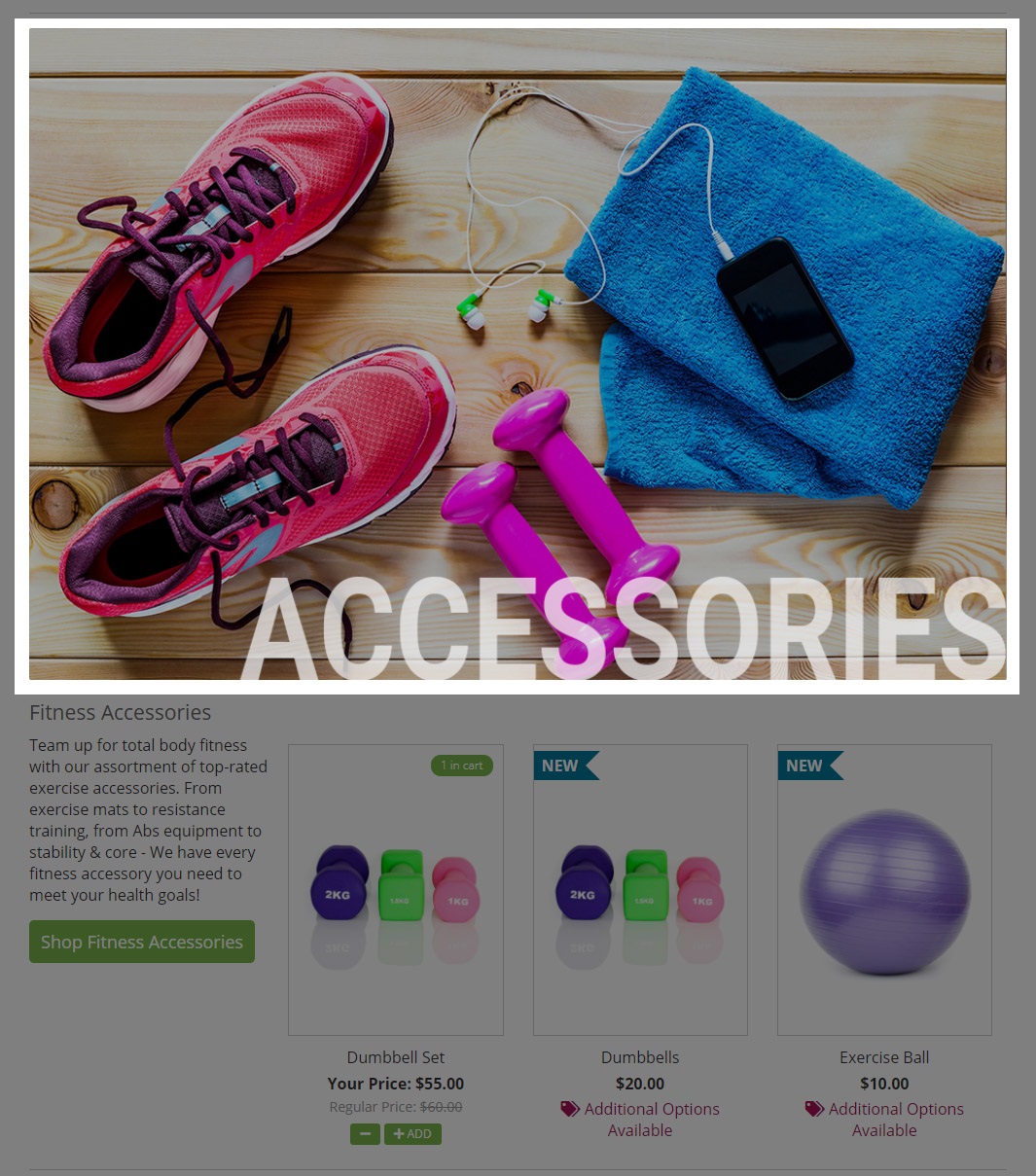
The Featured Image is the main image that appears above each category section on the landing page and is optional to display. You may upload a desktop and mobile version and the image will display the full container width. An image of 975 px wide is recommended for desktop and 768 px wide is recommended for mobile. The height of the image is flexible so that you can achieve your desired branding and marketing needs.
¶ Category Description
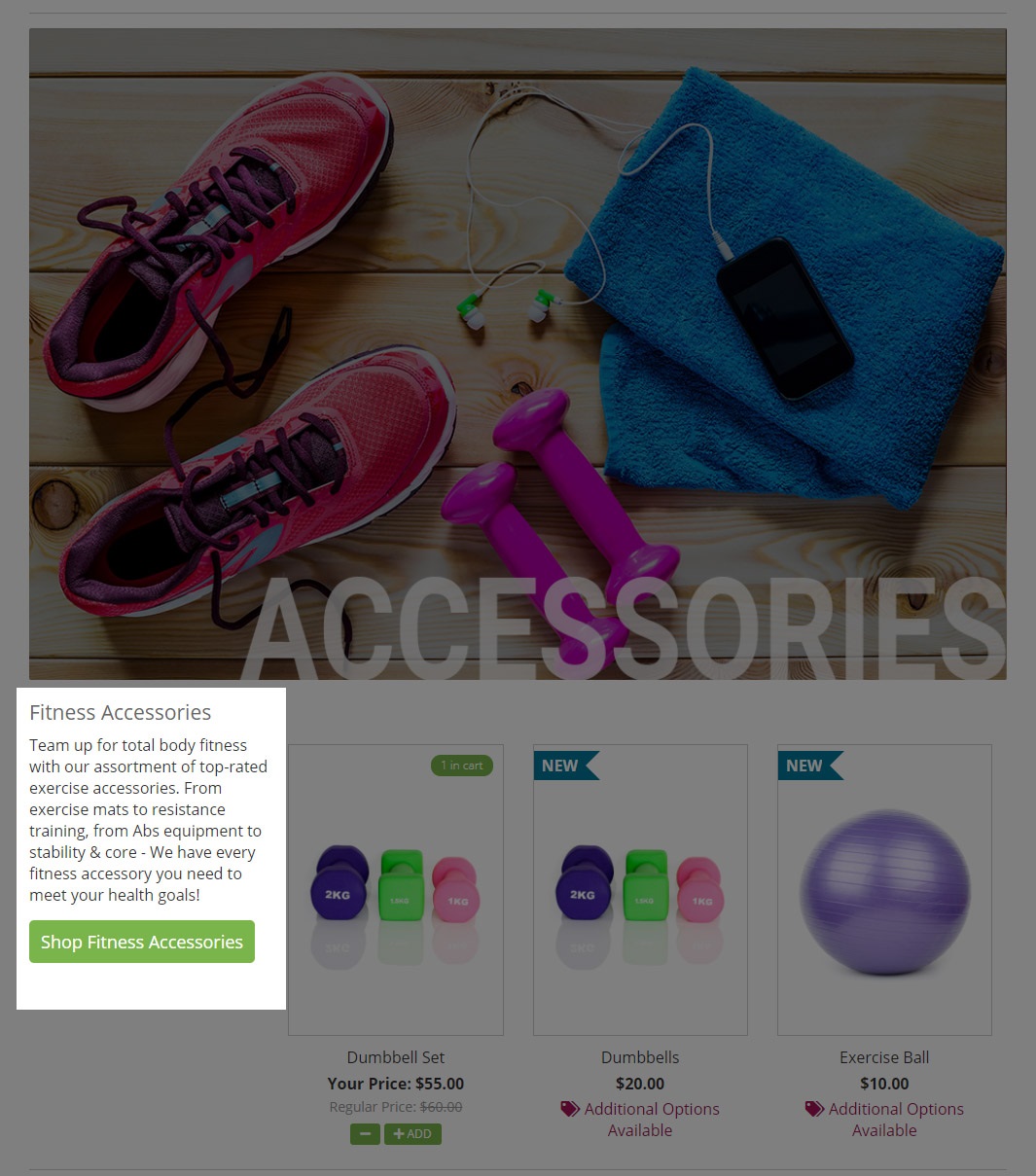
The Category Description is intended for marketing content relevant to the category section. The content can be configured to display across 1/4, 1/2, 2/3 or a Full page width. The field supports HTML, so you can expand your brands creativity!
¶ Product Display
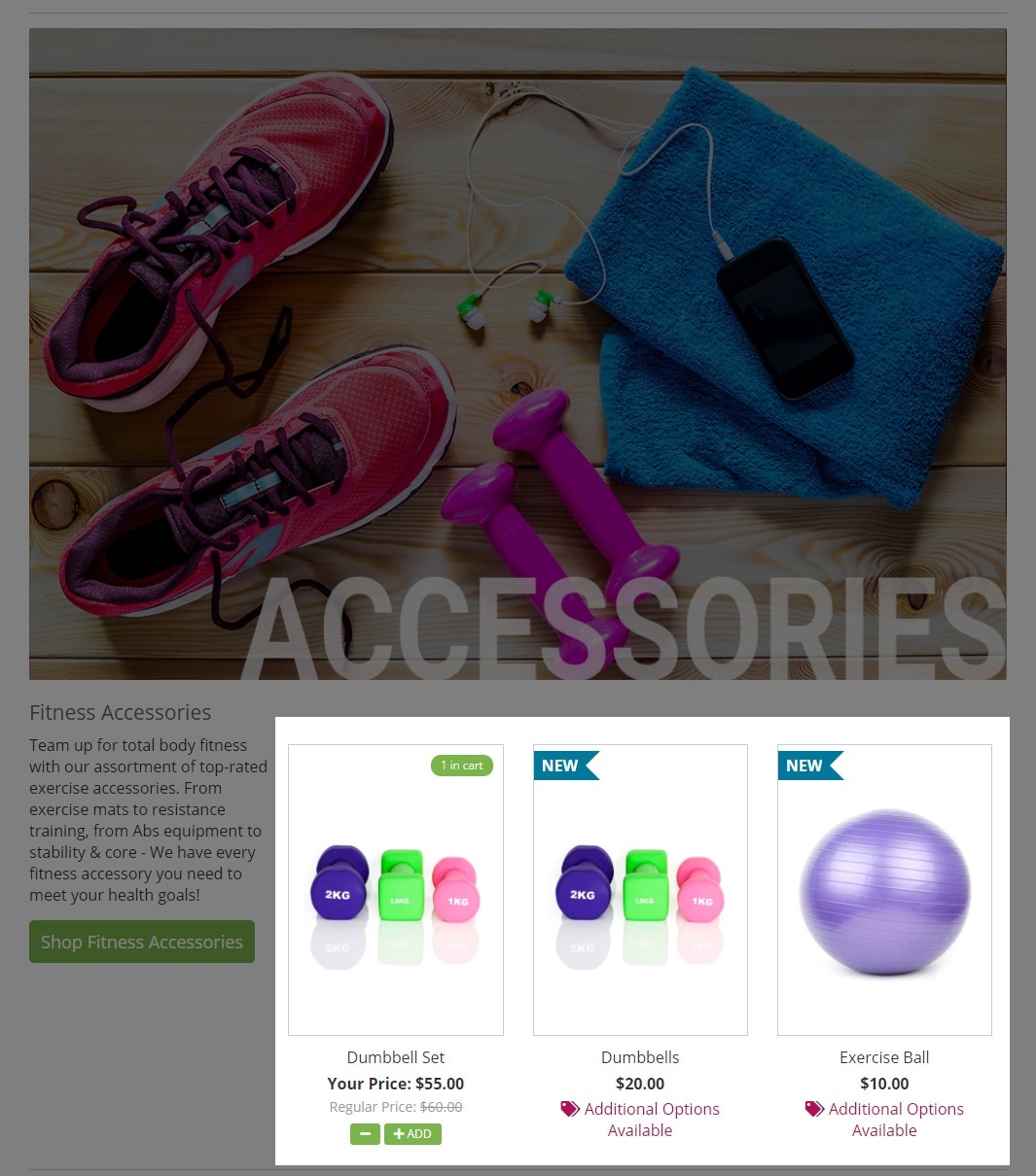
You may choose to display between 1 – 12 highlighted products. Products will wrap from left to right of the Category Description