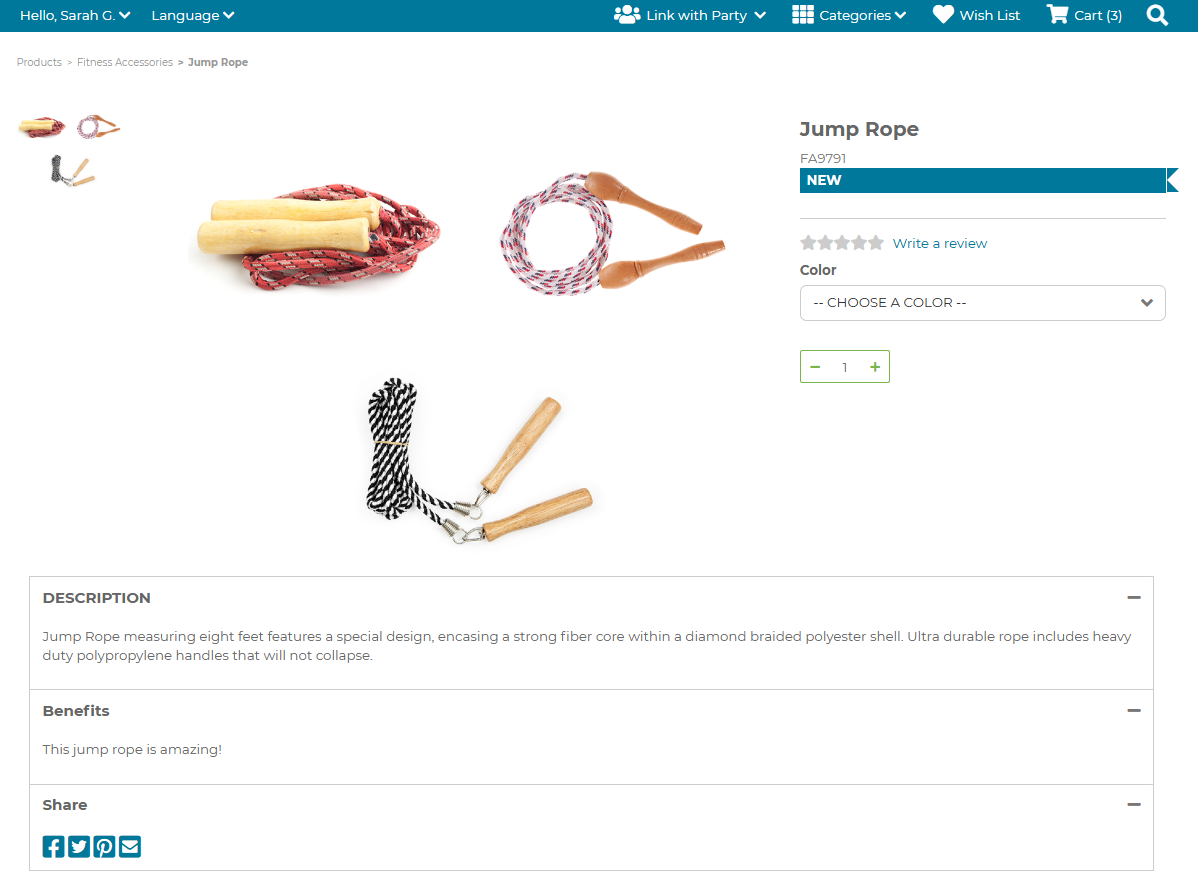
¶ Inventory Detail Tabs
Inventory Detail Tabs allows for additional custom content on an Inventory in the Shopping Cart.
¶ Creating a Detail Tab
Enable setting JSCART_PRODUCT_DETAIL_TABS
For information on updating settigns, please see FreedomSettings
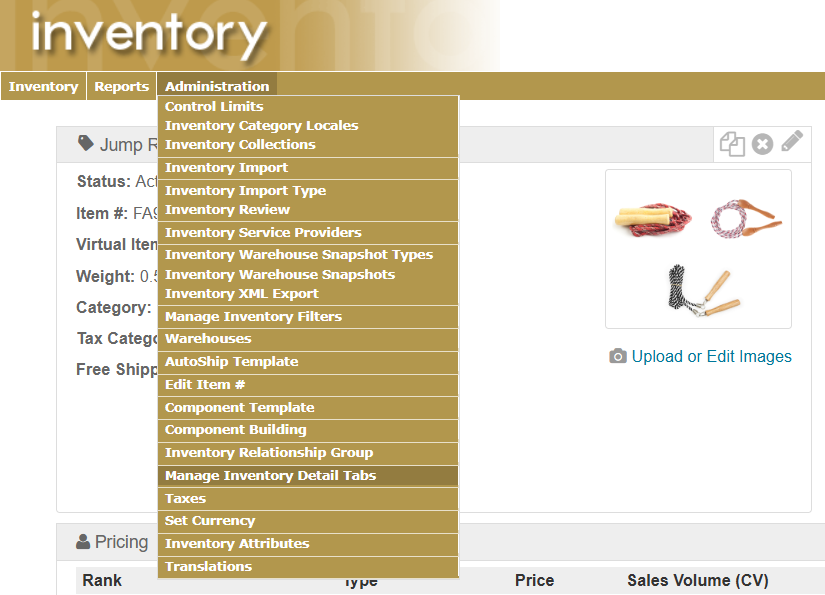
Go to the item that needs a new detail tab.
Dpartment > Inventory > search for the specific item > on the Item Dashboard, select Administration > Manage Inventory Detail Tabs)
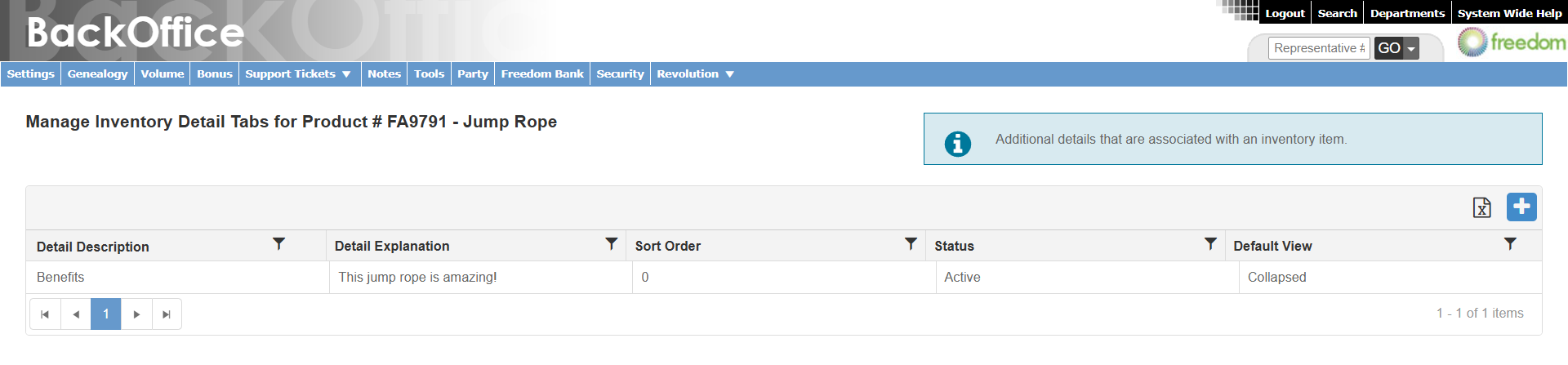
Select the + to create a new Inventory Detail Tab.
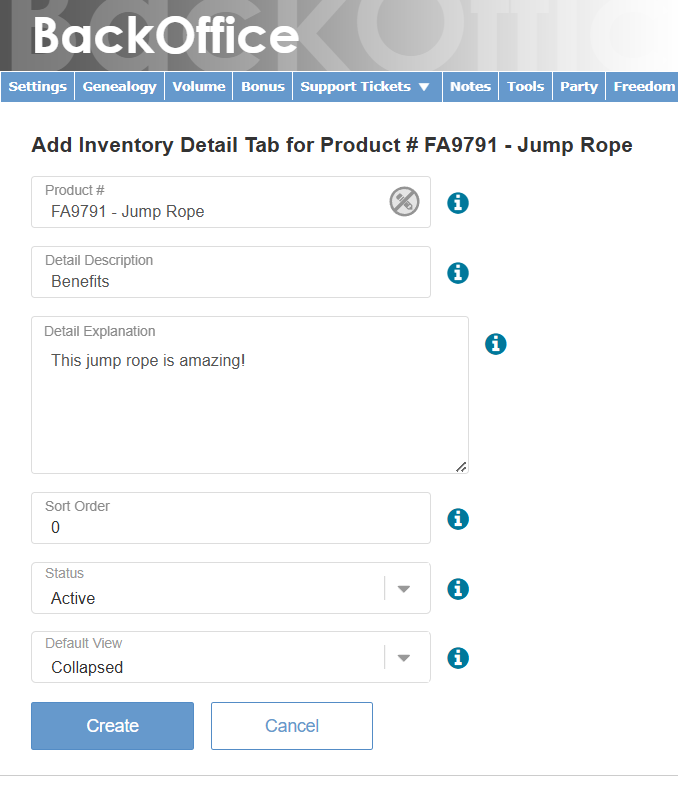
Select Create.
In the Shopping Cart, navigate to the item and notice the new detail tab.